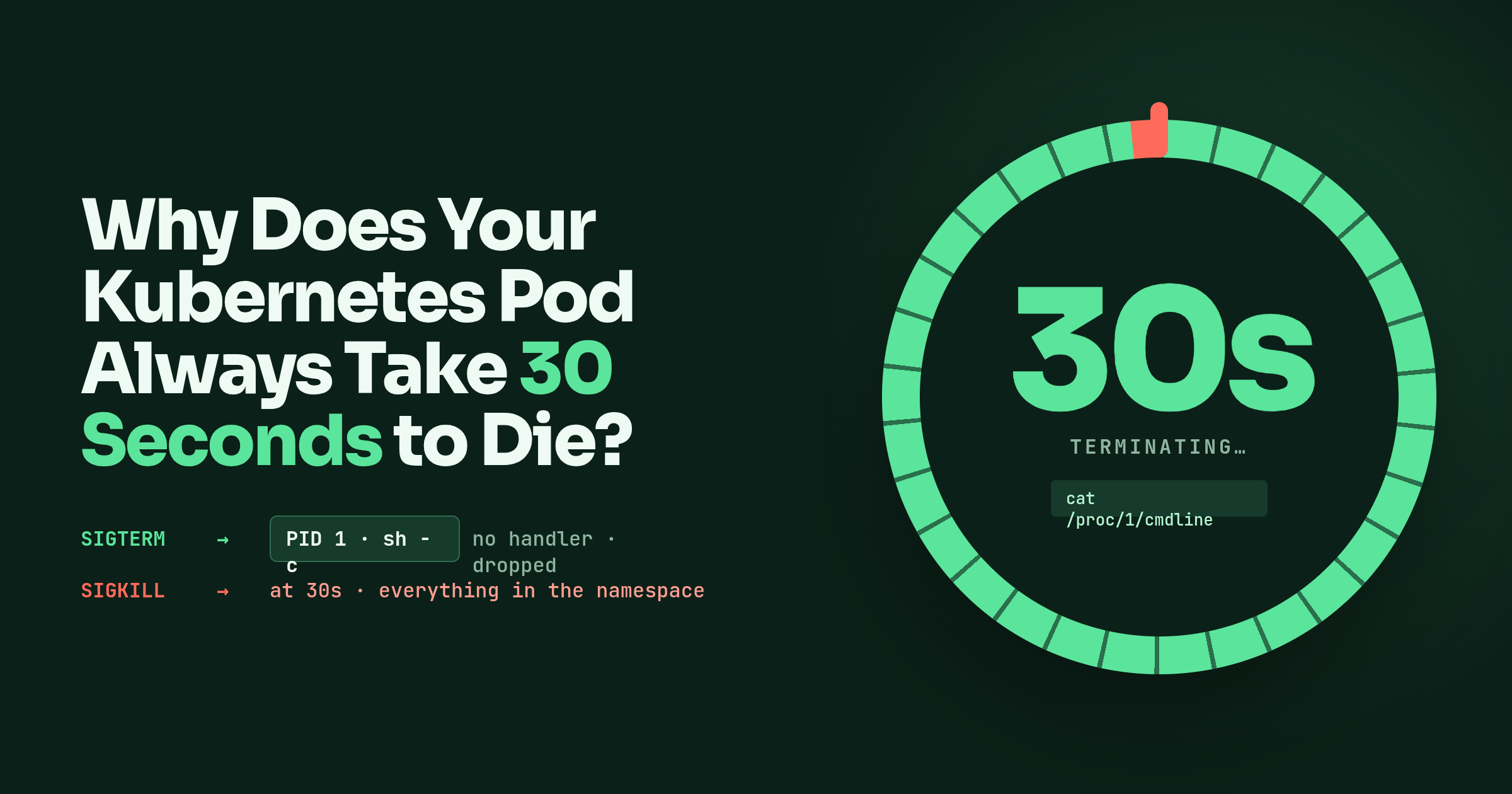
kubectl delete pod returns, the pod sits in Terminating, and 30 seconds later it is gone. Not 3 seconds, not 12, always 30. Every pod in a rolling deploy pays the same 30, and the number is far too round to be the application doing anything. It is a timeout. Something was told to stop and did not hear.
I started reading about this for an interview, where it is a well-worn question, and found that the usual one-line answer, “PID 1 ignores SIGTERM”, is close but not what Linux actually does. The real rule is more specific and explains more, including the case where your app is not even PID 1.
What Kubernetes sends, and when
The pod lifecycle docs lay the sequence out. kubectl delete stamps the pod with a deletion time and the grace period, which is spec.terminationGracePeriodSeconds and defaults to 30. The kubelet sees the pod marked terminating and, if a container has a preStop hook, runs that first; the hook runs inside the same grace period, and if it is still going when the period ends it gets a one-off extension of 2 seconds. Then the kubelet asks the container runtime to send TERM to process 1 in each container. If anything is still running when the grace period expires, the runtime sends SIGKILL, the kubelet moves the pod to a terminal phase, and the object disappears from the API.
So the second signal is SIGKILL, not SIGINT, and it is the one that cannot be caught or ignored. A pod that takes exactly 30 seconds is a pod where SIGTERM achieved nothing and SIGKILL did all the work. The question is why SIGTERM achieved nothing, and there are two usual answers.
PID 1 does not get the default action
For an ordinary process, SIGTERM needs no code at all. The default action is to terminate, so a process that never mentions signals dies the moment one arrives. PID 1 is the exception, and kill(2) states it in one sentence: the only signals that can be sent to process ID 1 are those for which init has explicitly installed signal handlers. The man page adds that this is to make sure the system is not brought down by accident.
Containers inherit the rule. The first process in a container is PID 1 of its own PID namespace, and pid_namespaces(7) says only signals for which that process has established a handler can be sent to it, even by privileged processes. Two signals are forcibly delivered anyway when they come from an ancestor namespace, which is where the container runtime lives: SIGKILL and SIGSTOP. That is the whole mechanism. The runtime sends SIGTERM, the kernel checks whether PID 1 has a handler for it, finds none, and drops the signal. Thirty seconds later the runtime sends SIGKILL, which the kernel cannot be talked out of. And when the init of a PID namespace dies, the kernel SIGKILLs every other process in the namespace, which is why nothing survives the end of the grace period.
Whether your app has a handler depends on the runtime more than on your code. The Go runtime installs its own: runtime/sigtab_linux_generic.go marks SIGTERM _SigNotify + _SigKill, initsig installs a handler for every signal not marked _SigDefault, and that handler exits the program. Since Go 1.27 it exits with 143, the status a shell expects after SIGTERM. Earlier runtimes re-raised the signal with the default disposition, the kernel dropped it for exactly the reason above, and the fallback was exit(2), which is golang/go#78442. Either way a Go binary with no signal code still dies on SIGTERM as PID 1, just not gracefully. Python installs handlers only for SIGPIPE and SIGINT, per its signal docs, so a Python service as PID 1 with no handler is the textbook 30-second pod. A C program that never calls sigaction is the same.
The shell-form trap
The other way to lose SIGTERM is to have it land on a process that is not your app. These two Dockerfiles are the same container:
FROM ubuntu
CMD sleep 1000
FROM ubuntu
CMD ["sh", "-c", "sleep 1000"]
The first is the shell form, and the Dockerfile reference says it is wrapped in /bin/sh -c, which makes it identical to the second. In both, sh is PID 1 and sleep is its child. The docs are direct about the cost: the executable is not PID 1, does not receive Unix signals, and will not receive SIGTERM from docker stop. Which means docker stop ends up sending SIGKILL after its own timeout.
Walk it through. SIGTERM goes to process 1, which is sh. A non-interactive shell has no handler for TERM, so as PID 1 the kernel never delivers it. A trap on TERM would not help either: the shell is blocked in wait(2) on its child, it runs the trap only after that foreground command exits, and a trap does not forward anything to the child. sleep is not PID 1, so it would die instantly on SIGTERM, but nobody sends it one. At 30 seconds SIGKILL from the ancestor namespace is forced onto sh, sh dies, the namespace’s init is gone, and the kernel SIGKILLs sleep to clear the namespace. The sleep never stopped because it never heard anything; the shell never stopped because it could not.
One wrinkle if you try this on a laptop: bash optimises a lone -c command into an exec, so bash -c "sleep 1000" can leave sleep as PID 1 and the trap does not show. The image’s /bin/sh decides, so do not count on it either way.
The check is cheap. PID 1’s command line is in /proc:
$ kubectl exec api-7d4c9-x2k1p -- cat /proc/1/cmdline | tr '\0' ' '
sh -c sleep 1000
If that prints a shell, or a wrapper script, rather than your binary, you have found the 30 seconds.
Three fixes, in the order I would try them
Make the app PID 1. Use the exec form, CMD ["./my-app"], so there is no shell in the way. If you need a startup script, end it with exec "$@" so the script’s process is replaced by the app and keeps PID 1; the Docker docs say the same about exec in an entrypoint. This alone fixes the shell case, and if the app’s runtime installs a SIGTERM handler for you, it fixes the whole symptom.
Handle SIGTERM in the app. Being PID 1 only gets the signal delivered; draining connections and finishing in-flight work is still your code. In Go:
package main

import (
	"context"
	"net/http"
	"os"
	"os/signal"
	"syscall"
	"time"
)

func main() {
	srv := &http.Server{Addr: ":8080"}
	go srv.ListenAndServe()

	stop := make(chan os.Signal, 1)
	signal.Notify(stop, syscall.SIGTERM, syscall.SIGINT)
	<-stop

	// keep this under terminationGracePeriodSeconds or SIGKILL wins
	ctx, cancel := context.WithTimeout(context.Background(), 20*time.Second)
	defer cancel()
	srv.Shutdown(ctx)
}
signal.Notify is the call that installs the handler, so it also satisfies the kernel’s PID 1 rule. Every runtime has an equivalent, and the shape is always the same: register, wait, drain, exit.
Put an init in front. tini is the common one:
ENTRYPOINT ["/usr/bin/tini", "--"]
CMD ["./my-app"]
tini becomes PID 1, spawns the app, waits for signals and forwards them to its child, and reaps zombies while it waits. Reaping is PID 1’s other job: orphans are reparented to it, and something has to wait(2) on them when they exit or they sit as zombies holding a PID each. The -- separates tini’s own flags from the command; the README says you can sometimes skip it and might as well always include it. Because the app is no longer PID 1, the default actions work again, which the README lists as one of its reasons to exist: SIGTERM terminates a process that has no explicit handler. That is exactly what tini does and does not buy you. A Python app with no handler now dies immediately on SIGTERM instead of in 30 seconds, but it dies mid-request. Graceful is still the handler’s job. tini -g signals the whole process group, for when the child is itself a shell with children. Without it, in the sh -c case, tini signals only sh, which dies at once now that it is not PID 1; tini exits with it, and the kernel SIGKILLs whatever the shell was running. Fast, but the app still never heard TERM. docker run --init bundles tini without touching the image; kubectl has no equivalent, so in a cluster it has to be in the image.
The knob that is not a fix
spec.terminationGracePeriodSeconds is tunable per pod. Raise it when the app genuinely needs more than 30 seconds to drain. It does nothing for a process that never heard SIGTERM; it only moves the SIGKILL further out. Lowering it to make deploys faster is the same mistake from the other side: the app still does not shut down, it just gets killed sooner.
kubectl delete pod --grace-period=0 --force is the escape hatch, and the docs put a caution on it for good reason. The API server removes the object immediately without waiting for the kubelet to confirm anything, so a replacement with the same name can be created while the old process is still running on the node. The docs’ own wording is that the resource may continue to run on the cluster indefinitely. It is the right command for a pod on a node that is already dead, and a bad habit everywhere else, because the 30 seconds it saves are 30 seconds of a bug you have not fixed.
Ending notes
Exactly 30 seconds means the grace period expired, which means SIGTERM landed on a process that could not act on it: PID 1 with no handler, so the kernel never delivered it, or a shell that neither handles nor forwards it, with your app behind it and never signalled. SIGKILL from outside the namespace ends both, and takes everything in the namespace with it.
cat /proc/1/cmdline in the running container tells you which one you have. Then exec form so the app is PID 1, a real handler so it shuts down instead of merely dying, and tini if you want zombies reaped and default signal behaviour restored for things you did not write. The grace period is for apps that are listening. It is not a substitute for listening.
Thanks for your time :)